Sitting vs Standing Desk Health for Digital Nomads and Remote Workers
Sitting vs standing desk health is a real concern for digital nomads and remote workers who spend long hours at a screen. The goal is not to choose a side forever but to build a flexible setup that protects your body, supports deep focus, and still fits a mobile lifestyle.
This guide explains how sitting and standing affect your health, then walks through ergonomic desk setups, posture tips, quiet home office ideas, and essential work-from-home and digital nomad gear.
Sitting vs Standing Desk Health: What Actually Matters
Both sitting and standing can be healthy or harmful, depending on how you do them and how long you stay in one position. The biggest risk is staying still for hours, not the label on your desk.
A balanced workday usually includes three things: good posture, movement breaks, and a mix of sitting and standing. For digital nomads, that might mean a portable laptop stand in a café plus a standing setup at home.
Think of your desk as a movement station rather than a fixed sitting or standing zone. Your gear should make it easy to change positions, adjust screens, and keep your body aligned.
Key health principles behind sitting and standing desks
Healthy desk work focuses on load, alignment, and variety. Load means how much stress you place on joints and soft tissue. Alignment means how well your head, spine, and limbs line up while you work. Variety means changing positions often so no single joint or muscle group takes all the strain.
How Sitting Affects Your Body During Desk Work
Sitting is not automatically harmful, but long, slouched sessions can stress your spine, hips, and neck. Many people lean forward, round their shoulders, and let the head drift toward the screen.
Over time, this posture can leave your back muscles tired and your hip flexors tight. You may feel stiff when you stand up, or notice more neck and shoulder tension.
With the right chair and screen height, sitting can support long deep-work blocks. The key is neutral posture and frequent short breaks to reset your body.
Common sitting mistakes that increase strain
Common problems include chairs that are too low, screens that sit far below eye level, and feet that dangle instead of resting on the floor. Many people also perch on the front edge of the seat instead of using the backrest, which removes support from the lower spine and encourages slouching.
How Standing Desks Change Health Risks and Benefits
Standing desks shift load from your hips and lower back to your feet, legs, and core. Standing can help you feel more alert and reduce long periods of hip flexion.
However, standing still for hours can tire your feet, knees, and lower back. Many people lean on one hip, lock their knees, or hunch over the keyboard, which creates new stress points.
Standing works best in shorter blocks, paired with good shoes or a soft mat and regular position changes. Think of standing as one tool in a mixed setup, not a full-time replacement for sitting.
Signs your standing desk setup needs adjustment
If you feel sharp pressure in your heels, aching in the front of your knees, or tightness in your lower back after short standing sessions, your desk height or posture may be off. A surface that is too high or too low forces your shoulders and wrists into awkward angles and can undo the benefits of standing.
Standing Desk vs Sitting Desk: Which Is Better for You?
A standing desk vs sitting desk choice is less about which is healthier in theory and more about which habits you build around each one. Both can help or hurt your body.
Standing desks shine for short bursts of focused work, quick calls, and tasks that benefit from more alertness. Sitting desks are better for long deep-work sessions, detailed writing, and tasks that demand fine motor control.
The best option for digital nomads is usually a hybrid: a sit-stand desk at home, plus a flexible laptop stand setup while traveling. Aim to switch position every 30–60 minutes instead of standing all day.
Quick comparison of sitting and standing for desk work:
This table highlights how sitting and standing desks compare across key health and productivity aspects.
| Aspect | Sitting Desk | Standing Desk |
|---|---|---|
| Back & spine | Can cause slouching if chair and screen are low | Can reduce hip flexion, but may strain lower back if posture is poor |
| Legs & circulation | Less pressure on feet, but more risk of stiffness | Better leg activation, but risk of tired feet and knees |
| Energy & focus | Good for long tasks; may feel sleepy if you rarely move | Often boosts alertness; best in shorter blocks |
| Ideal use | Deep work, detailed typing, design, coding | Calls, quick tasks, planning, light email |
For long-term health, combine both modes and move often. Even with a standing desk, build in small walks, stretches, and posture resets during your day.
Step-by-Step: Setting Up an Ergonomic Sit-Stand Workspace
A smart sit-stand setup lets you shift between positions without breaking focus. Follow these steps to create a workspace that supports both sitting and standing.
The sequence below helps you dial in each element in a logical order so your body stays in a neutral, relaxed position.
- Adjust your chair so your hips are slightly higher than your knees and your feet rest flat on the floor or a footrest.
- Set your desk or keyboard height so your elbows rest near your sides with about a 90-degree bend.
- Raise your monitor or laptop screen so the top edge sits at or just below eye level.
- Place your keyboard and mouse close enough that your shoulders stay relaxed and your wrists stay straight.
- When standing, use flat, supportive shoes or an anti-fatigue mat and keep your weight balanced on both feet.
- Schedule posture and movement breaks every 30–60 minutes using a timer or reminder app.
- Test and tweak your setup over a few days, adjusting heights and angles until your body feels supported.
Once you complete this setup, your workspace should feel natural in both sitting and standing modes. Small changes in height or screen distance can make a big difference in comfort over a full workday.
Choosing a Chair That Supports Long Sitting Sessions
If you sit for long stretches, your chair matters more than almost any other item. A good chair supports your spine’s natural curve and lets you move, not freeze in one pose.
Look for three core features: adjustable seat height, lumbar support, and a seat that lets your feet rest flat on the floor. Armrests should support your forearms without lifting your shoulders.
For digital nomads, consider a compact ergonomic chair at your home base and a simple seat cushion or portable lumbar pillow in your packing list for co-working spaces and rentals.
Simple chair checks you can do in one minute
Sit down and slide your hips back into the chair, then check that two to three fingers fit between the back of your knees and the seat edge. Make sure your lower back touches the backrest and that your feet do not dangle. If you pass these quick checks, your chair is likely close to a healthy fit.
How to Fix Posture at Your Desk
Good posture is less about sitting perfectly and more about staying in a strong, relaxed position most of the time. Your body should feel supported, not tense.
Start with your base: feet flat on the floor or on a footrest, knees at about 90 degrees, and hips slightly higher than your knees. That angle helps your pelvis tilt in a way that supports your lower back.
Then align your upper body: sit tall from your hips, gently draw your shoulders back and down, and pull your chin slightly in so your ears stack over your shoulders instead of poking forward.
Micro-adjustments that protect your neck and shoulders
Keep your screen about an arm’s length away so you do not lean forward. If you wear glasses, adjust font size rather than moving closer to the monitor. Rest your forearms lightly on the desk or armrests, and let your shoulders drop down from your ears a few times each hour to release tension.
Best Home Office Setup for Quiet, Focused Work
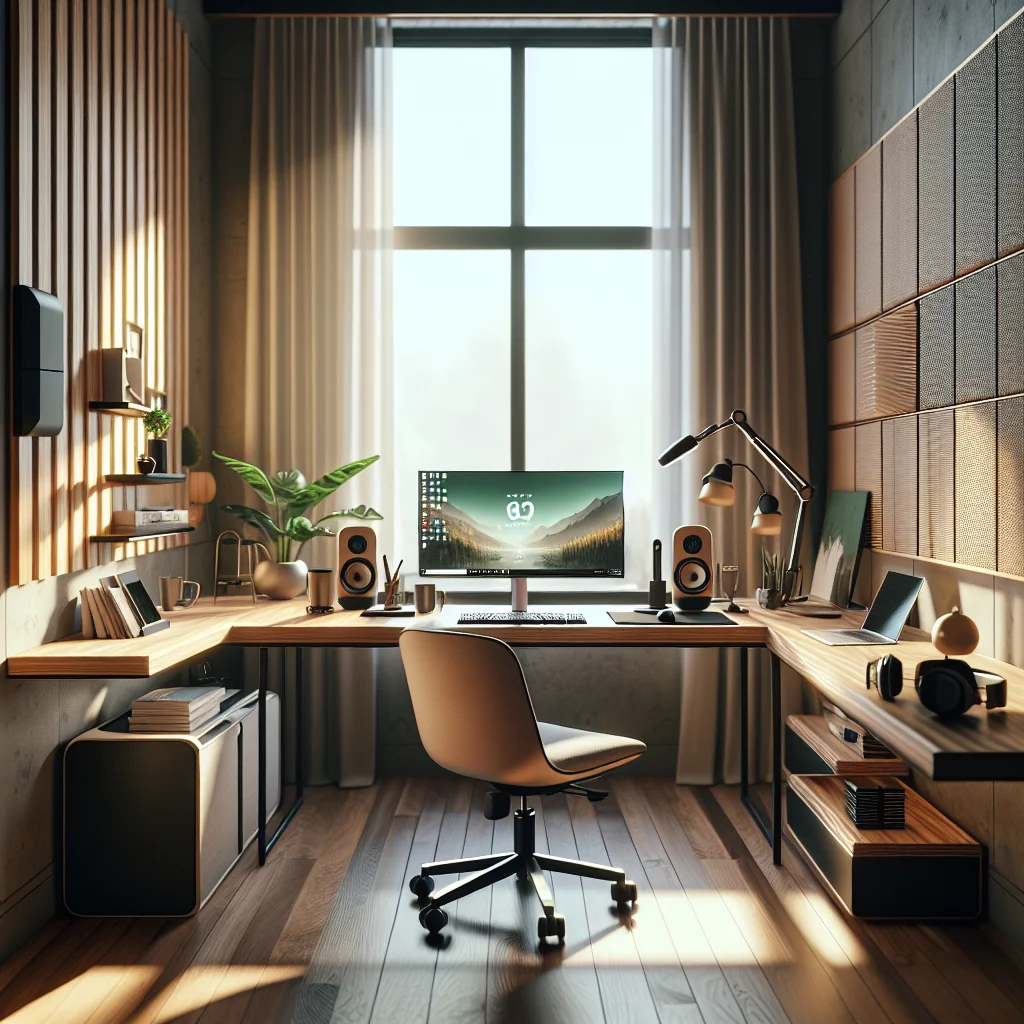
The best home office setup balances health, focus, and practicality. You want a space that feels calm, reduces noise, and keeps distractions out of your line of sight.
Place your desk so you face a simple view, not a busy hallway or TV. Keep only essential work-from-home gear on your surface: laptop or monitors, keyboard, mouse, and maybe a notebook.
For digital nomads who move often, think in modules: a compact keyboard, foldable laptop stand, small mouse, and noise-control gear that all fit in a backpack but recreate a familiar workspace anywhere.
Reducing visual and sound distractions
Use a plain wall or curtain behind your screen to block clutter. Add soft items like rugs and cushions to absorb echo, and close doors or windows during calls. Small changes in layout and texture can make a big difference to focus, even in a small apartment or rental.
Work From Home Desk Setup Ideas for Digital Nomads
Your work-from-home desk setup should match your work style and space, not someone else’s style. Start with your core tools, then layer in comfort and focus aids.
Common layouts include a single monitor with laptop closed, a dual monitor desk setup, or a laptop plus one external screen. Add a small plant or single decor item if it helps you feel grounded, but avoid clutter.
If you share a space, consider a foldable desk or wall-mounted solution that lets you reclaim the room outside work hours. This also helps your brain switch off at the end of the day.
Portable setups for cafés and co-working spaces
Pack a slim laptop stand, a low-profile keyboard, and a travel mouse so you can raise your screen and keep your wrists neutral anywhere. Choose gear that sets up in under two minutes, so you actually use it instead of bending over a low table all day.
Minimalist Desk Setup and Cable Management Ideas
A minimalist desk setup is easier to clean, less distracting, and better for your posture because you are less tempted to hunch over random items. Keep only what you use daily in arm’s reach.
Smart cable management ideas for your desk include using simple clips under the surface, a cable sleeve for monitor and power cords, and a small box or tray to hide a power strip on the floor.
Label chargers and cables if you travel often. That way you can unplug and repack your entire office fast, without leaving your best laptop stand or webcam behind in a rental.
Essential Work From Home Gear and Digital Nomad Packing List
A smart digital nomad packing list focuses on compact gear that protects your body and keeps your workflow consistent, whether you work from a home office or a café abroad.
Here are core items many remote workers rely on to support healthy sitting and standing habits.
- Lightweight laptop with reliable battery life for long sessions
- Portable laptop stand and external keyboard and mouse
- Noise-cancelling or isolating headphones with a built-in microphone
- Compact webcam and small LED or clip-on light
- Travel-friendly surge protector and short, labeled cables
- Seat cushion or lumbar pillow for unknown chairs
- Portable second monitor if you rely on dual screens
Adjust this list based on how often you move and how much weight you are willing to carry. Keep a go bag ready so you can rebuild your ergonomic setup quickly in any new space.
Daily Habits That Make Sitting and Standing Desks Healthier
Healthy gear only helps if your habits support it. To work from home productively, blend good ergonomics with clear routines and movement breaks.
Set fixed start and end times, use short breaks to stand, stretch, or walk, and switch between sitting and standing through the day. Protect deep-work blocks by silencing nonessential notifications.
At the end of the day, shut down your laptop, clear your desk, and if possible, step away from your work area. This physical reset helps your brain detach from work and keeps your home office from taking over your entire life.
Simple movement ideas for long remote workdays
Between tasks, stand up and roll your shoulders, march in place, or walk to another room for water. During calls, try standing for part of the time or shifting your weight from one foot to the other in a slow, controlled way. These tiny movements add up and support better sitting vs standing desk health over the long term.