Best Chair for Digital Nomads: Build a Healthy, Portable Workspace
The best chair for digital nomads must do more than feel soft. A good chair supports long days, fits into small spaces, and often moves with you from home office to co-working space to short-term rental. Paired with an ergonomic desk setup, smart lighting, and a few key tools, you can work almost anywhere without wrecking your back or focus.
This guide explains how to choose the best chair for digital nomads, how to build a healthy sit–stand workspace, and which compact accessories help you keep that setup consistent as you travel.
What Makes the Best Chair for Sitting All Day as a Digital Nomad?
Digital nomads need a chair that works hard without being huge or hard to move. You might not control the desk in every place you stay, but you can usually control the chair you use most days. That chair becomes the foundation for your remote work health.
Key ergonomic features to look for in a nomad-friendly chair
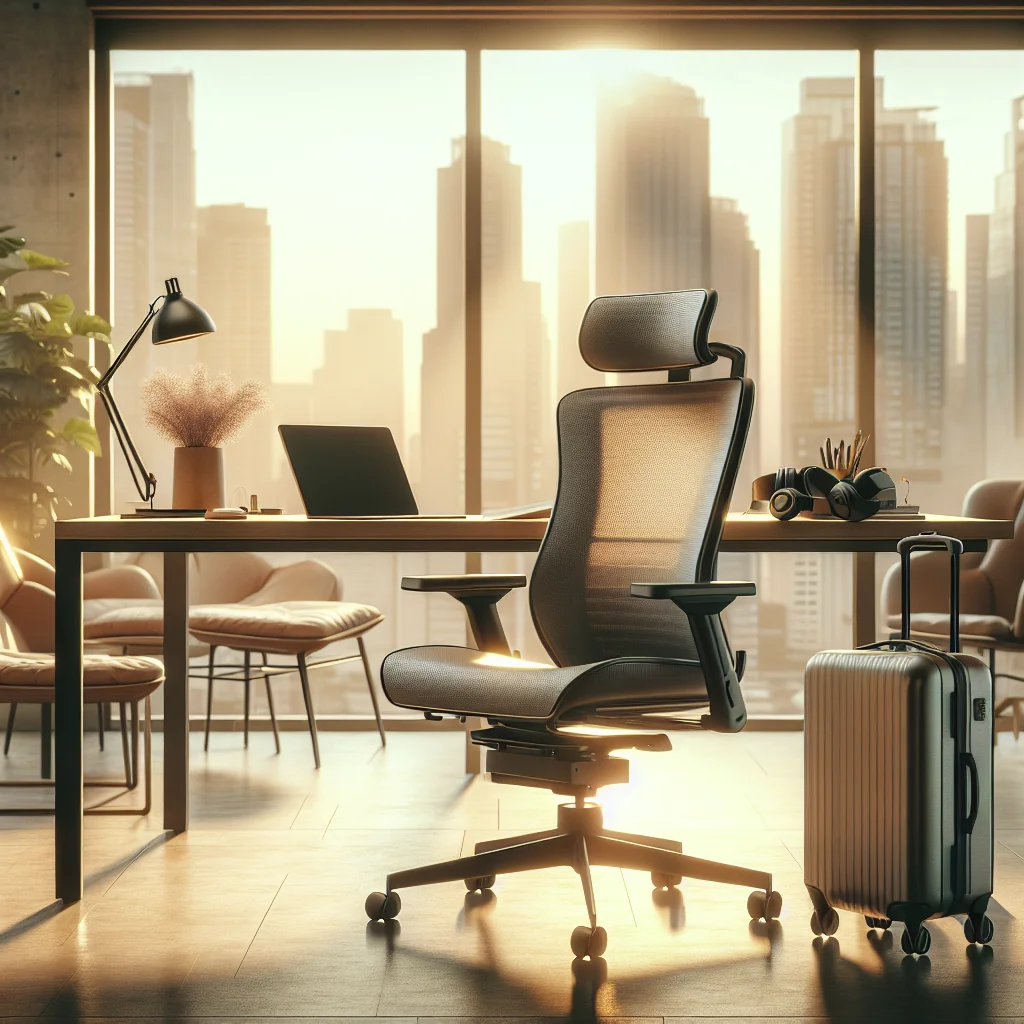
Look for these core features when choosing the best chair for digital nomads who sit for long hours:
- Adjustable seat height: Your feet should rest flat, with knees at about 90 degrees.
- Firm lumbar support: The chair should support the natural curve of your lower back.
- Breathable material: Mesh or fabric helps in warm climates and during long sessions.
- Compact design: A slimmer frame fits in small rentals and home offices.
- Lockable recline: A slight recline reduces pressure on your spine during long work blocks.
Digital nomads who move often may keep one “main” chair at a home base and rely on portable accessories, like a lumbar pillow and seat cushion, when working on the road or in co-working spaces.
Standing Desk vs Sitting Desk for Remote Work
Remote workers often ask whether a standing desk is better than a sitting desk. The honest answer is that switching between both is usually best. Long, fixed positions, either seated or standing, cause fatigue and pain over time, especially during full workdays.
How sit–stand choices affect comfort and focus
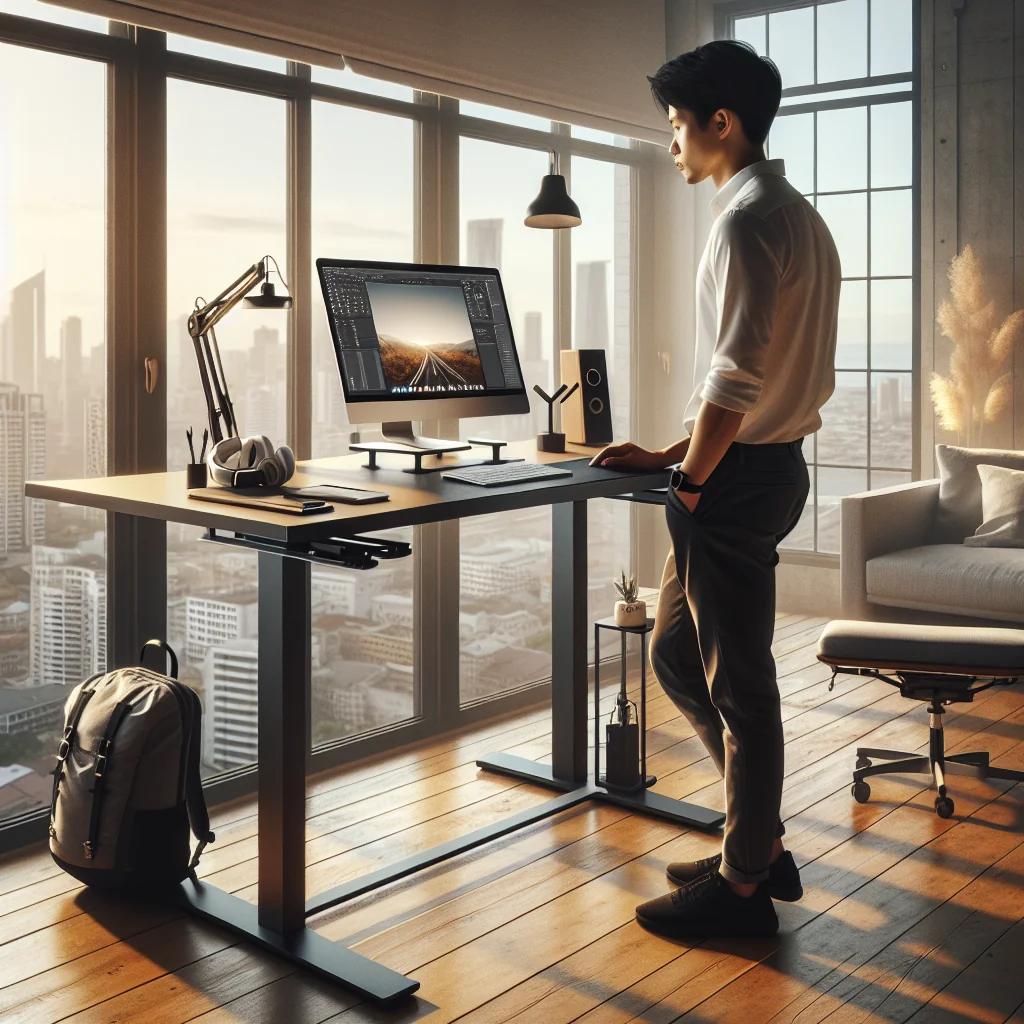
A standing desk helps break up sitting time and can boost focus for some tasks. A sitting desk gives more stability for typing, deep work, or video calls. For digital nomads, a full electric standing desk is not always realistic, but a portable standing desk converter or tall counter can give you a standing option.
Quick Comparison: Sitting Desk, Standing Desk, and Hybrid Setup
This overview table shows how each option supports digital nomad work habits and where each setup shines or falls short.
Comparison of common desk setups for digital nomads
| Setup Type | Best For | Main Benefits | Main Drawbacks |
|---|---|---|---|
| Sitting Desk Only | Deep focus, precise typing | Stable posture, easy to set up anywhere | More pressure on back and hips over long days |
| Standing Desk Only | Short sessions, calls, admin tasks | Less sitting time, more movement | Leg and foot fatigue, harder for long writing sessions |
| Hybrid (Sit–Stand) | Full-time remote work | Flexibility, less strain from fixed positions | More gear and planning needed |
If you can, aim for a hybrid setup: a good chair plus a standing option. Alternate every 45–90 minutes, based on how your back and legs feel, rather than sticking to a rigid timer that ignores your body’s signals.
How to Fix Posture at Your Desk
Even the best chair fails if your posture is poor. Digital nomads often hunch over laptops at coffee tables or couches, which strains the neck, shoulders, and lower back. A few simple changes can help you fix posture at your desk in almost any space.
Simple posture checkpoints for long laptop sessions
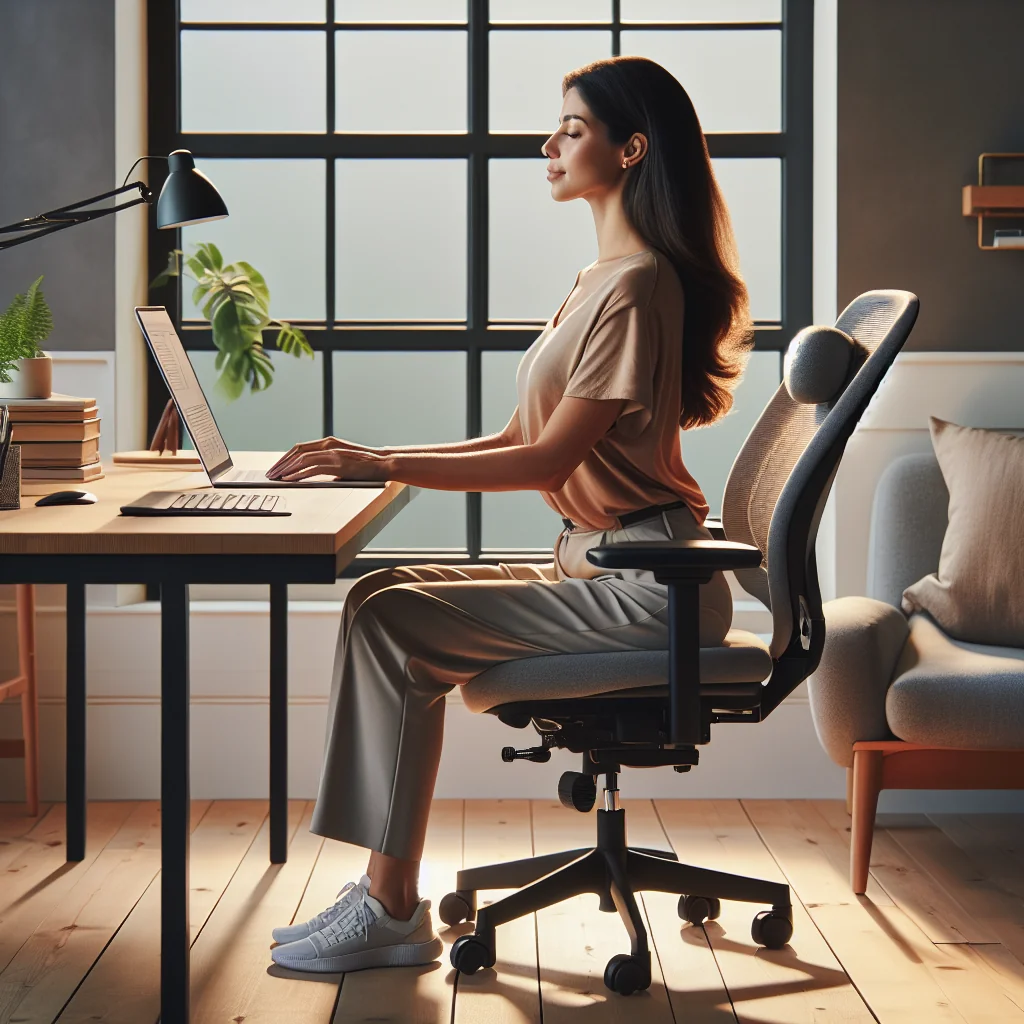
First, raise your screen so the top is at or just below eye level. Then pull your shoulders back and down, and keep your elbows close to your body at about 90 degrees. Finally, sit back into the chair’s backrest instead of perching at the edge, and keep your feet flat on the floor or on a small footrest.
Step-by-Step: Ergonomic Desk Setup for Remote Work
Use this simple sequence to build an ergonomic desk setup that works in most spaces, from a dedicated office to a short-term rental or co-working hot desk.
Ordered steps to build a repeatable ergonomic setup
- Adjust your chair height so your feet are flat and knees are at 90 degrees.
- Slide your hips back so your lower back touches the backrest; add a lumbar pillow if needed.
- Set desk height so your forearms are level with the desk and your wrists stay straight.
- Raise your laptop on a stand so the screen top is around eye level.
- Use an external keyboard and mouse so your shoulders can relax and stay low.
- Place the keyboard about a hand’s width from the desk edge, so your wrists rest lightly on the desk.
- Center your main monitor directly in front of you, about an arm’s length away.
- Keep often-used gear, like notebook and phone, within easy reach to avoid twisting.
- Stand up or walk for a few minutes every hour to reset your posture.
This process works in almost any environment. The key is repeatable habits: adjust each new workspace using the same steps until the setup feels natural and quick.
Best Home Office Setup Ideas for Digital Nomads
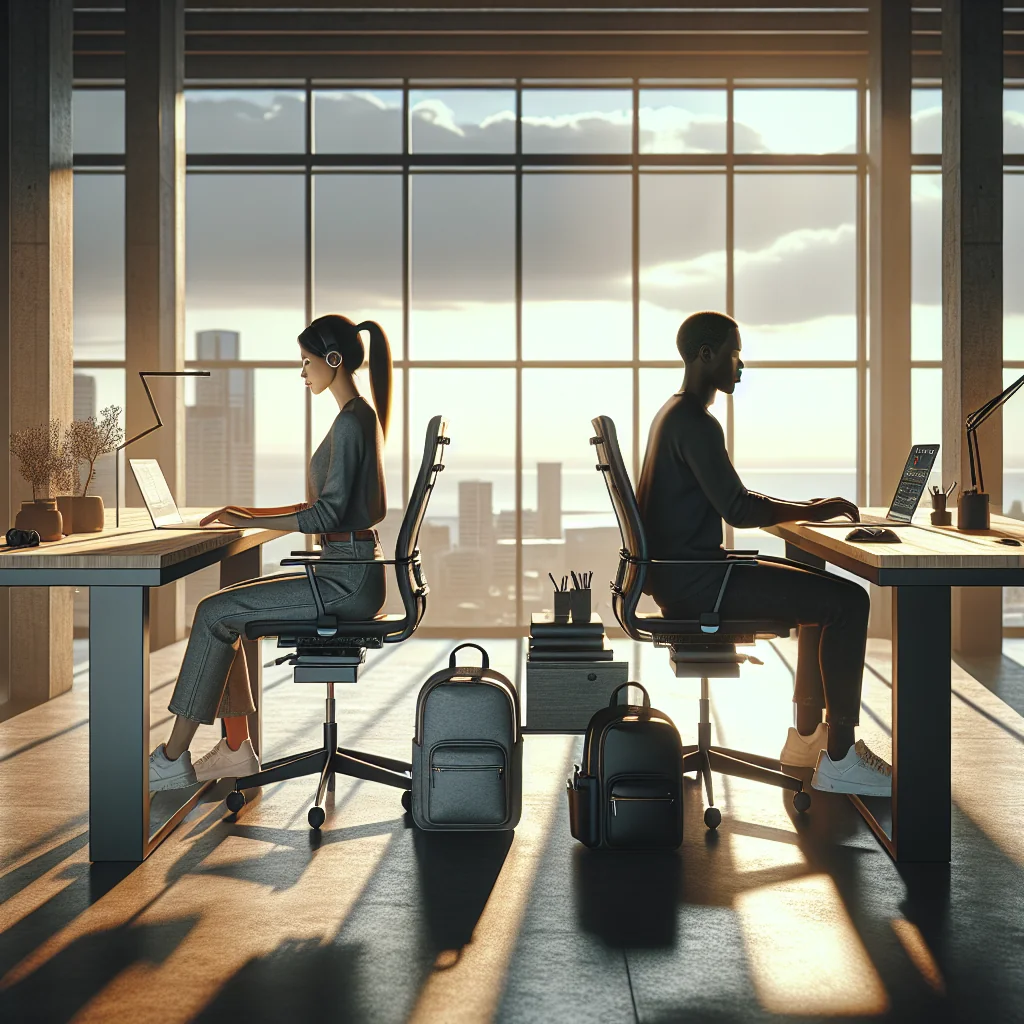
The best home office setup for digital nomads is flexible, quiet, and easy to pack down. Think of your space as a modular kit: a strong base at home, plus a lighter travel version in your bag for trips and co-working days.
Balancing a home base and travel-friendly gear
For a stable base, pair the best chair for sitting all day with a solid desk, a laptop stand, and at least one external monitor. Then add a quality keyboard, mouse, and simple cable management so your desk stays clear and quick to reset between sessions.
Minimalist Desk Setup and Cable Management Ideas
A minimalist desk setup helps you focus and makes packing easier when you move. Fewer items on the desk means less visual noise and less to unplug later, which matters when you change apartments or co-working spots often.
Keeping surfaces clear and cables under control
For cable management ideas, group cables with simple clips, sleeves, or hook-and-loop ties. Route everything along the back edge of the desk, then drop it down a single point to the outlet or power strip. Label longer cables so you can pack and reconnect them quickly in a new place without guessing what belongs where.
How to Build a Quiet Home Office and Soundproof Your Space
Digital nomads often deal with street noise, thin walls, or loud neighbors. You might not be able to rebuild the room, but you can still build a quiet home office that works for calls and deep work hours.
Simple sound fixes that work in rentals
Soft materials help most: rugs, curtains, and fabric furniture absorb echo and reduce sharp sounds. For home office soundproofing, add draft stoppers at doors, use thick curtains, and place bookshelves or storage units against noisy walls. A constant sound source, such as a fan, can mask remaining noise during meetings.
How to Set Up Two Monitors for Remote Work
A dual monitor desk setup can double your usable space and cut window switching. For remote work, two screens help with research, design, coding, and video calls where you need notes and slides open at once.
Positioning dual screens in tight spaces
Place the primary monitor directly in front of you, then angle the second monitor slightly to one side. Keep both at the same height and distance, so your neck turns gently rather than twisting sharply. When space is tight, use a monitor arm to float one screen above the other or to swing a screen out of the way.
Best Monitor for Remote Work and Digital Nomads
The best monitor for remote work balances screen size, clarity, and portability. A mid-sized monitor often works well for small rooms and can still show two windows side by side without feeling cramped.
Choosing between desk monitors and portable screens
Digital nomads who travel often may prefer a portable USB-C monitor. This type of monitor folds flat in a backpack and can act as a second screen in cafes, co-working spaces, or rentals. If you stay longer in one place, a standard monitor with an adjustable stand may offer better comfort and stability.
Best Lighting and Webcam for Video Calls
Good lighting and a clear image help you look professional on video calls. The best lighting for video calls is soft, even light from the front, which reduces harsh shadows on your face.
Setting up flattering light and a stable camera
A simple desk lamp with a warm-white bulb, aimed at a wall in front of you, can create a soft glow. For your camera, the best webcam for meetings should give clear video in average indoor light and a stable image. Place the webcam at eye level, ideally on top of your main monitor or on a small tripod behind your laptop.
Best Keyboard for Typing All Day and Laptop Stands
Typing comfort matters as much as your chair, especially for long writing or coding days. The best keyboard for typing all day has low key resistance, clear feedback, and a layout you can use without strain.
Pairing keyboards and stands for a healthy laptop setup
The best laptop stand for desk setups raises the screen to eye level and folds flat for travel. Combine the stand with an external keyboard and mouse, and your neck and shoulders will often feel better within days, because you are no longer hunched over a low screen.
Essential Work from Home Gear and Digital Nomad Packing List
A smart digital nomad packing list focuses on light, high-impact items that improve posture, focus, and call quality. Think of each item as part of a portable office you can rebuild anywhere in under 10 minutes.
Compact essentials that support your chair and desk setup
Essential work from home gear often includes a compact ergonomic chair or seat cushion, laptop stand, external keyboard and mouse, portable monitor, noise-isolating headset, and simple cable management tools. Add a small webcam and a foldable light if you join video calls often, and you will have a reliable, repeatable setup almost anywhere.
How to Work from Home Productively as a Digital Nomad
A healthy setup supports productivity, but habits finish the job. Block your day into focused work sprints with short breaks, and use your sit–stand options to reset your body between blocks rather than sitting for hours without moving.
Daily routines that protect your back and energy
Keep your minimalist desk setup clear at the end of each day. A quick reset—coiling cables, closing the laptop, and setting your chair and monitors in place—makes the next morning easier and keeps your digital nomad life flexible and sustainable over the long term.