Digital Nomad Essentials Checklist: Gear for a Healthy, Productive Workspace
A smart digital nomad essentials checklist goes far beyond passports and power adapters. Long-term remote work depends on a healthy, quiet, and flexible workspace that you can recreate almost anywhere. The gear you choose for your chair, desk, screens, and sound can decide how productive and pain-free your days feel.
This guide focuses on practical desk and office gear for digital nomads and home workers. Use it as a checklist to build or improve your setup, whether you work from a small apartment, a co-living space, or a long-stay Airbnb.
Core Comfort: Best Chair for Sitting All Day
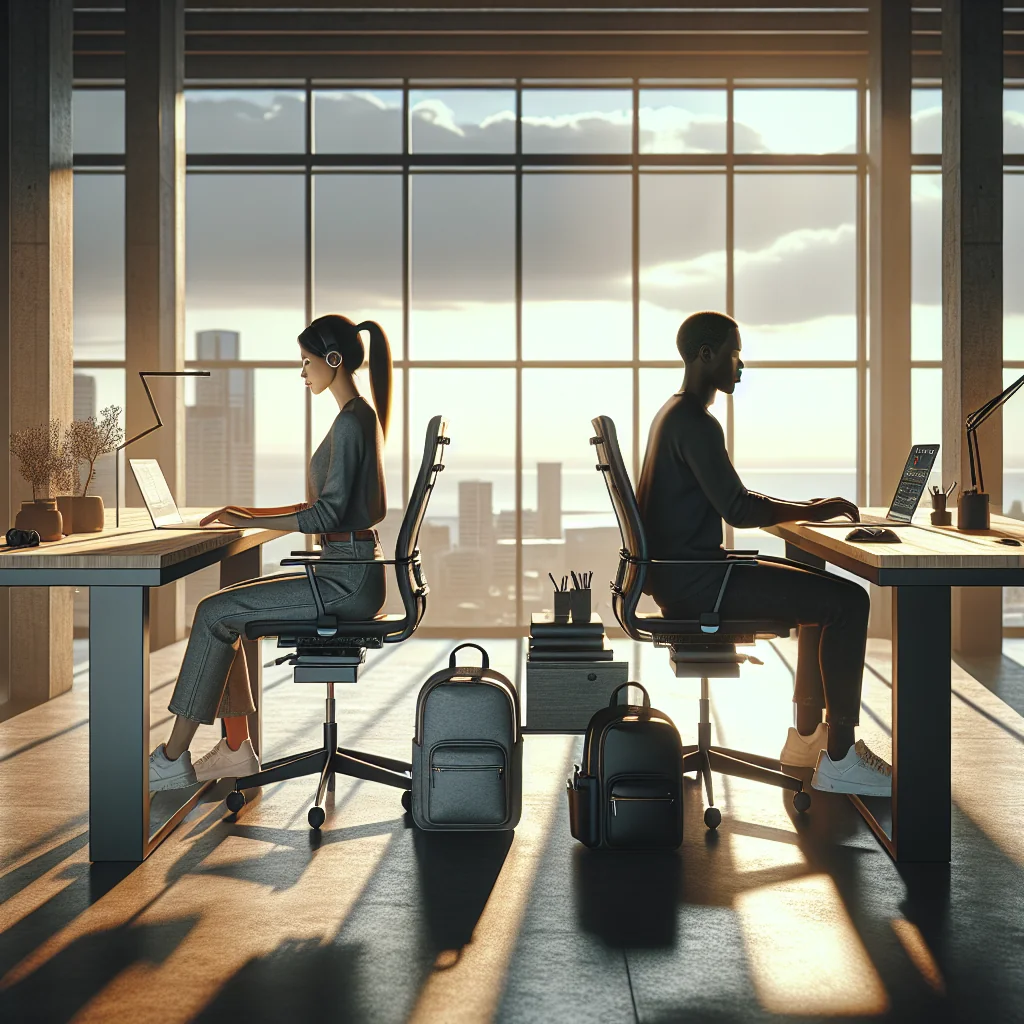
Your chair is the most important part of your setup if you sit for long hours. A good chair supports your spine, reduces pressure on your hips, and keeps your shoulders relaxed. Even if you move often, a few portable items can turn an average chair into a much better one.
For a “best chair for sitting all day” short list, look for these features rather than a specific model. Focus on support and adjustability instead of style or brand names.
- Adjustable seat height and backrest angle
- Lumbar support that fits the curve of your lower back
- Seat depth that lets you keep 2–3 fingers between the seat and your knees
- Armrests that let your shoulders stay relaxed, not hunched
- Breathable material, especially in warm climates
As a digital nomad, you will often use whatever chair is available. Pack a small inflatable lumbar cushion or a foldable seat cushion so you can improve almost any chair and protect your back.
Essential Work From Home Gear for Digital Nomads
Digital nomads and remote workers can avoid overpacking by focusing on essential work from home gear that solves real problems: posture, focus, calls, and flexibility. A compact kit that fits in a backpack can still give you a stable, ergonomic workspace in most rentals and coworking spaces.
Core Digital Nomad Workspace Checklist
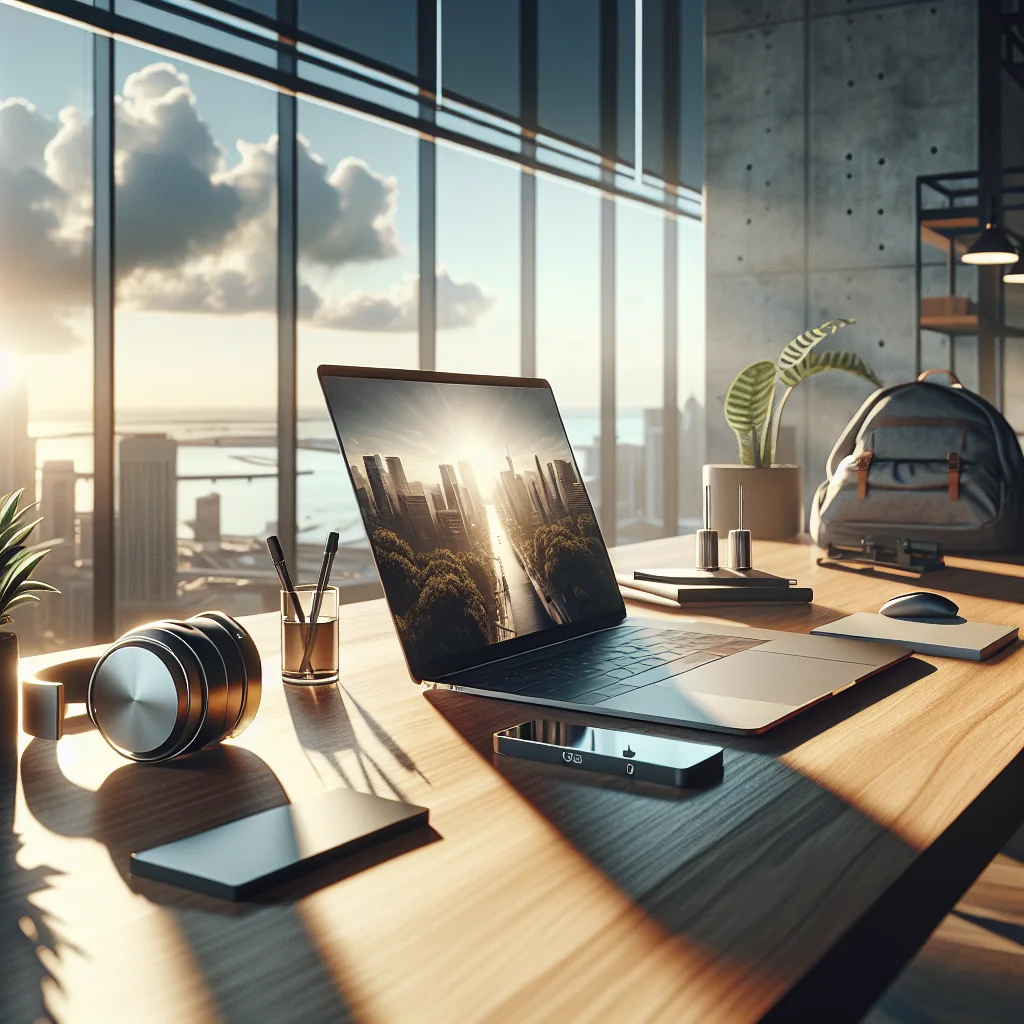
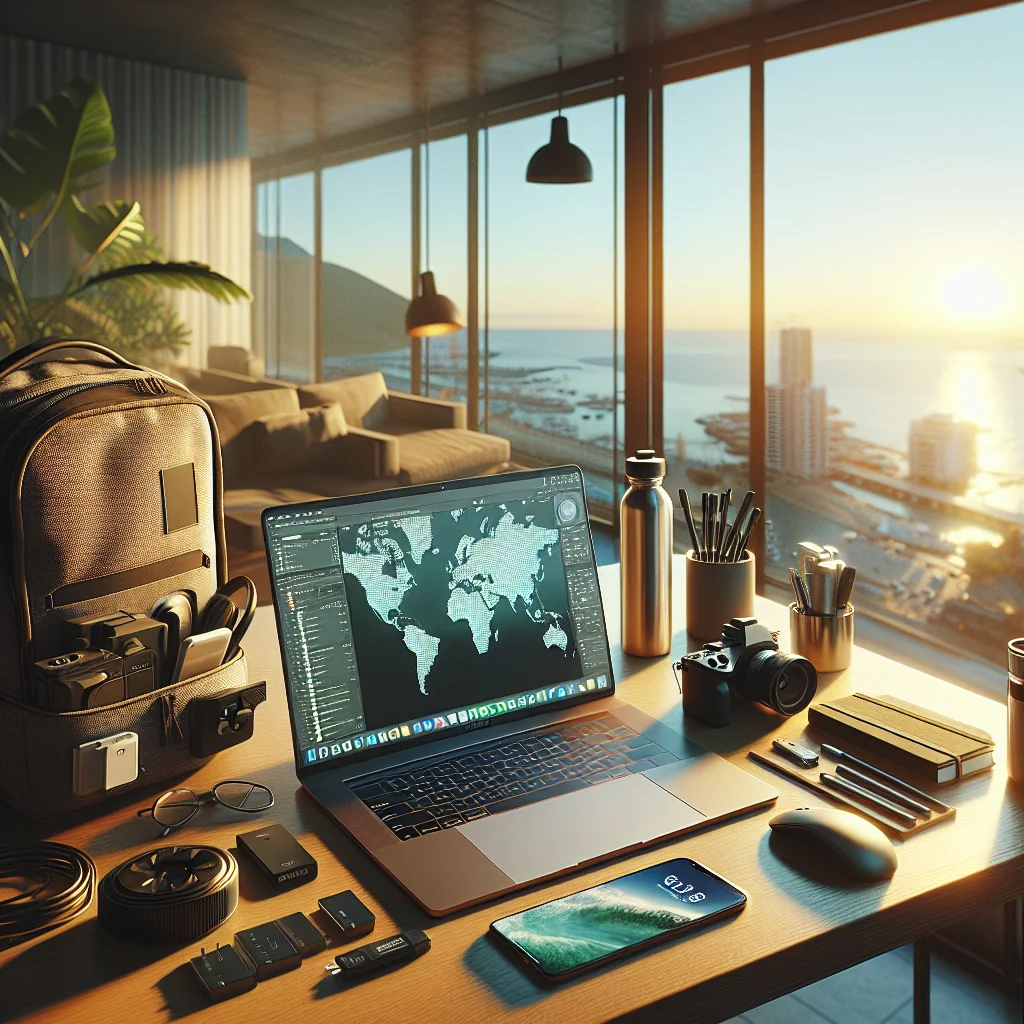
Below is a practical digital nomad packing list for your workspace kit. Use it as a starting point, then adjust for your role and work habits.
- Lightweight laptop with good battery life
- Foldable or compact laptop stand for better screen height
- External keyboard and mouse for neutral wrist positions
- Portable monitor or tablet for a dual monitor desk setup
- Noise-isolating or noise-cancelling headphones with microphone
- Clip-on or small LED light for the best lighting for video calls
- External webcam for sharper Zoom meetings when laptop cam is poor
- Inflatable lumbar cushion or small back support for any chair
- Compact power strip and universal adapter for different countries
- Set of Velcro straps and a cable pouch for cable management
- Notebook and pen for quick ideas away from the screen
- Small tripod or phone stand for backup calls or recordings
- Earplugs and a sleep mask to handle noisy stays and jet lag
Adjust this digital nomad packing list to your work style. If you edit video or design, you might add a color-accurate monitor; if you mainly write, you may invest more in your keyboard and chair support.
Quick Gear Comparison for Common Work Needs
This table helps you match each item to a specific work-from-anywhere need. Scan it to see where you can get the most benefit with the least weight.
| Item | Main Purpose | Best For |
|---|---|---|
| Laptop, stand, keyboard, mouse | Comfortable, healthy typing posture | Long work sessions at cafés or rentals |
| Portable monitor or tablet | Extra screen space | Design, coding, research-heavy work |
| Headphones, mic, webcam, LED light | Clear calls and professional presence | Client meetings, teaching, remote interviews |
| Lumbar cushion and chair support | Back support on basic chairs | Stays in budget rentals or coworking spaces |
| Power strip, adapter, cable pouch | Reliable power and tidy cables | Multi-country travel and shared desks |
| Notebook, tripod, earplugs, sleep mask | Focus, backup calls, better rest | Creative work and handling noisy locations |
Use this overview to decide what is essential for your own setup and what you can leave at home. The goal is a kit that stays light while your workspace remains productive and comfortable.
Ergonomic Desk Setup: Standing Desk vs Sitting Desk
An ergonomic desk setup keeps your body in neutral positions, so you use less effort to stay upright. The main choice is standing desk vs sitting desk, but the real goal is movement, not standing still in one posture all day.
A sitting desk is fine if you can adjust chair height, monitor height, and keyboard position. A standing desk or portable sit-stand converter helps you change posture during the day. Many remote workers feel better with a mix: sit for focused tasks, stand for calls or reading.
For nomads, a full-size standing desk is rarely practical. A light, folding laptop stand and a compact external keyboard can turn almost any table into a better ergonomic desk setup. You can shift between sitting and improvised standing positions using counters or higher surfaces.
How to Fix Posture at the Desk
Even with good gear, posture drifts over the day. Learning how to fix posture at your desk is part habit, part setup, and both matter for long-term comfort.
A simple posture checklist you can repeat every hour helps. With practice, this routine becomes automatic and takes only a few seconds.
- Feet flat on the floor or on a footrest, not dangling
- Knees at about 90 degrees, not squeezed under the desk
- Hips slightly higher than knees to reduce lower back strain
- Shoulders relaxed, not raised toward your ears
- Elbows close to your body, bent around 90 degrees
- Screen top at or slightly below eye level, about an arm’s length away
Set a timer or use a simple reminder app to check posture every 45–60 minutes. Combine that check with a short walk or stretch to keep your neck and hips from getting stiff.
Best Home Office Setup for Digital Nomads
The best home office setup for a digital nomad is portable, modular, and fast to assemble. You want a small set of items that can turn any room into a reliable workspace within minutes.
Focus on three pillars: comfort (chair and desk adjustments), clarity (screens and lighting), and control (sound and cables). If you can get those right, you can work almost anywhere without feeling scattered or sore.
Before you book long-term stays, check photos for a real desk or table, a chair with a backrest, and at least one power outlet near the work area. Your gear can improve a space, but it cannot replace a missing table.
Work From Home Desk Setup Ideas and Minimalist Layouts
Work from home desk setup ideas can stay very simple. A minimalist desk setup is often better for focus and easy packing than a cluttered layout with many extras.
Try this simple layout as a base, then adjust the details for your tasks and handedness. Keep changes small so you can rebuild the same layout in each new place.
- Center: laptop on a stand or under your main monitor
- Front: external keyboard and mouse, wrists straight
- Left: notebook and pen, or tablet
- Right: water bottle and a small tray for essentials
- Back: power strip and cable hub, fixed in one place
Keep only daily tools on the desk. Store chargers, adapters, and spare devices in one pouch or box so you can clear and rebuild your setup quickly when you move or change rooms.
Cable Management Ideas for a Clean Desk
Good cable management ideas make your desk feel calmer and help you pack faster. A tangle of cords wastes time and adds visual stress during busy days.
Use a few simple tools that travel well: Velcro straps or reusable ties, a small cable sleeve, and adhesive clips that you can remove without damage. Group cables by function, such as power, display, and accessories, so you can find and pack them quickly.
Label each cable with a small tag or colored tape. When you pack, coil each cable and strap it. This habit turns setup and teardown into a quick, repeatable process instead of a daily fight with knots.
How to Build a Quiet Home Office and Add Soundproofing
A quiet home office is a huge asset for deep work and calls. You cannot always control your building, but you can control what sits between you and the noise.
To build a quiet home office in a rented space or temporary stay, focus on soft surfaces. A thick rug, curtains, and even hanging clothes in the room absorb sound. Place your desk away from shared walls or noisy windows if you can.
For home office soundproofing on the go, pack a pair of quality noise-isolating or noise-cancelling headphones and a simple foam mic cover. If you record or take important calls, a small folding privacy screen or even a blanket behind you can reduce echo and improve audio.
Dual Monitor Desk Setup and How to Set Up Two Monitors
A dual monitor desk setup can boost productivity if you handle research, design, or code. As a digital nomad, you likely will not travel with two full monitors, but you can still use a second screen.
To set up two monitors, follow a clear layout: keep your main monitor directly in front of you and place the second monitor to one side at a slight angle. Align the top edges of both screens so your eyes do not need to move up and down too much.
You can use a portable monitor, a tablet as a second screen, or a larger external monitor in your home base. Keep your primary work window on the main monitor and use the secondary screen for reference material, chats, or timelines.
Best Monitor for Remote Work and Lighting for Video Calls
The best monitor for remote work should be easy on your eyes and flexible for your tasks. Choose a size and resolution that let you read text clearly without leaning in, and a stand that lets you adjust height.
The best lighting for video calls is soft, even, and in front of your face. A small, dimmable LED panel or ring light that clips to your monitor or laptop is ideal for travel. If you have a window, face it instead of sitting with your back to it.
Combine a good monitor with proper lighting and you reduce eye strain, look more professional on calls, and feel less tired at the end of the day.
Best Webcam and Keyboard for Long Remote Work Sessions
A clear image and comfortable typing are underrated parts of a digital nomad essentials checklist. The best webcam for Zoom meetings is one that gives a sharp picture in low light and allows basic adjustments like brightness and field of view.
The best keyboard for typing all day depends on your hands and travel style. Many remote workers like compact mechanical or low-profile keyboards with clear key travel and a layout that matches their laptop. A separate keyboard also lets you raise your laptop screen to eye level without hurting your wrists.
Test different switch types or key feels if you can. If you share spaces, consider a quieter keyboard so you do not disturb others in co-working areas or small apartments.
Best Laptop Stand for Desk and Productive Work Habits
The best laptop stand for a desk is stable, adjustable, and easy to pack. A stand that raises your screen to eye level and folds flat in your bag is ideal for both home and travel setups.
Pair the stand with good habits to stay productive while working from home. Set clear start and end times, use blocks of focused work with short breaks, and keep your workspace for work only when possible. Even in a studio apartment, you can mark off work time by changing lighting or using headphones.
Productivity for digital nomads is a mix of gear and routine. The right tools reduce friction, and simple routines help you use those tools well, wherever you open your laptop next.