Minimalist Home Office Decor for Digital Nomads: Gear That Actually Matters
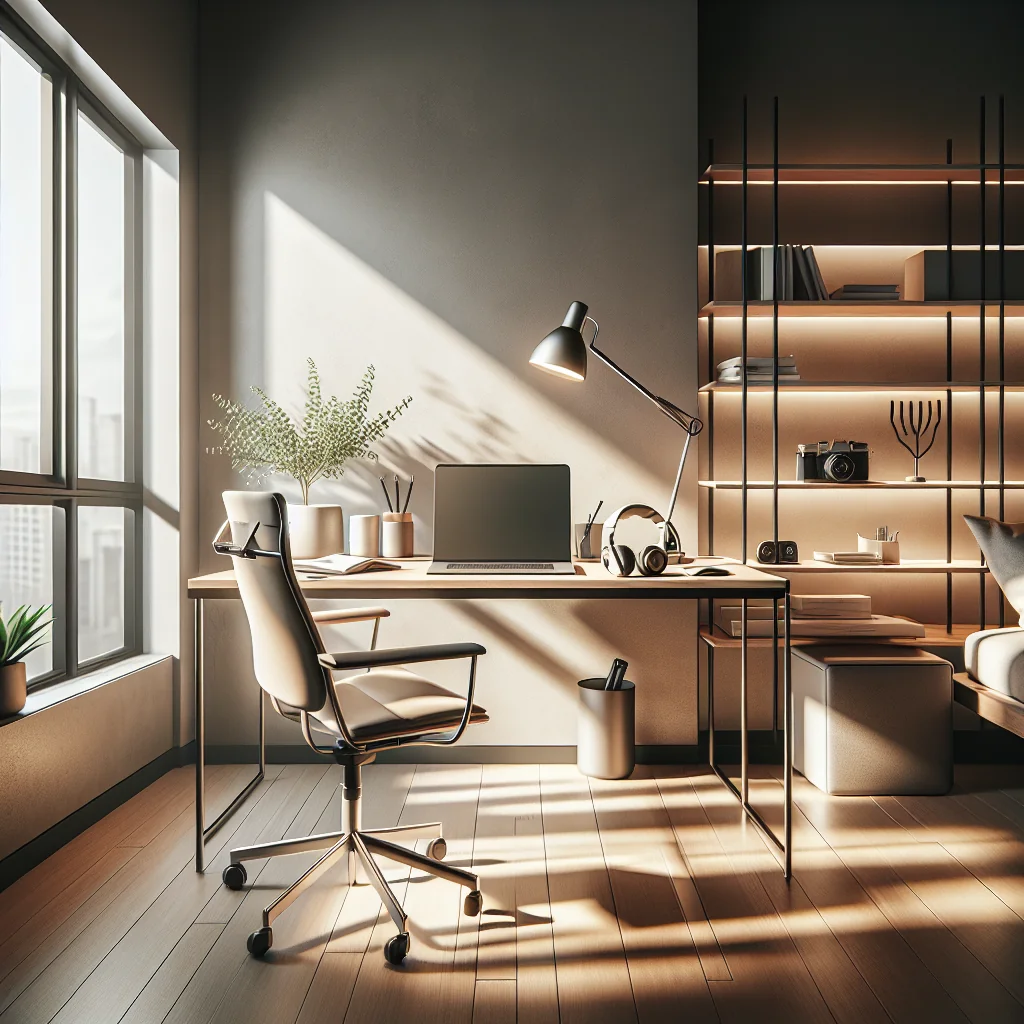
Minimalist home office decor is about more than a clean desk. For digital nomads and remote workers, it means choosing gear and layouts that support long workdays, clear focus, and easy packing when you move. The goal is a setup that looks calm, feels ergonomic, and works in almost any space.
This guide focuses on practical gear and layout ideas: the best chair for sitting all day, ergonomic desk setups, dual monitors, lighting for video calls, cable management, sound control, and a lean digital nomad packing list that keeps your minimalist home office decor consistent across locations.
Start With the Core: Best Home Office Setup for Long Workdays
A minimalist home office starts with a small number of high-impact pieces. Think of your setup as a system: chair, desk, screens, input devices, and lighting. Each item should earn its space and support your daily work.
Defining the Core Elements of a Minimalist Workspace
For digital nomads, the best home office setup is also modular. You can keep a base layout at home and a travel-ready version that mirrors it as closely as possible. This way your body and brain adjust faster, and you waste less time adapting to each new desk.
Choosing the Best Chair for Sitting All Day
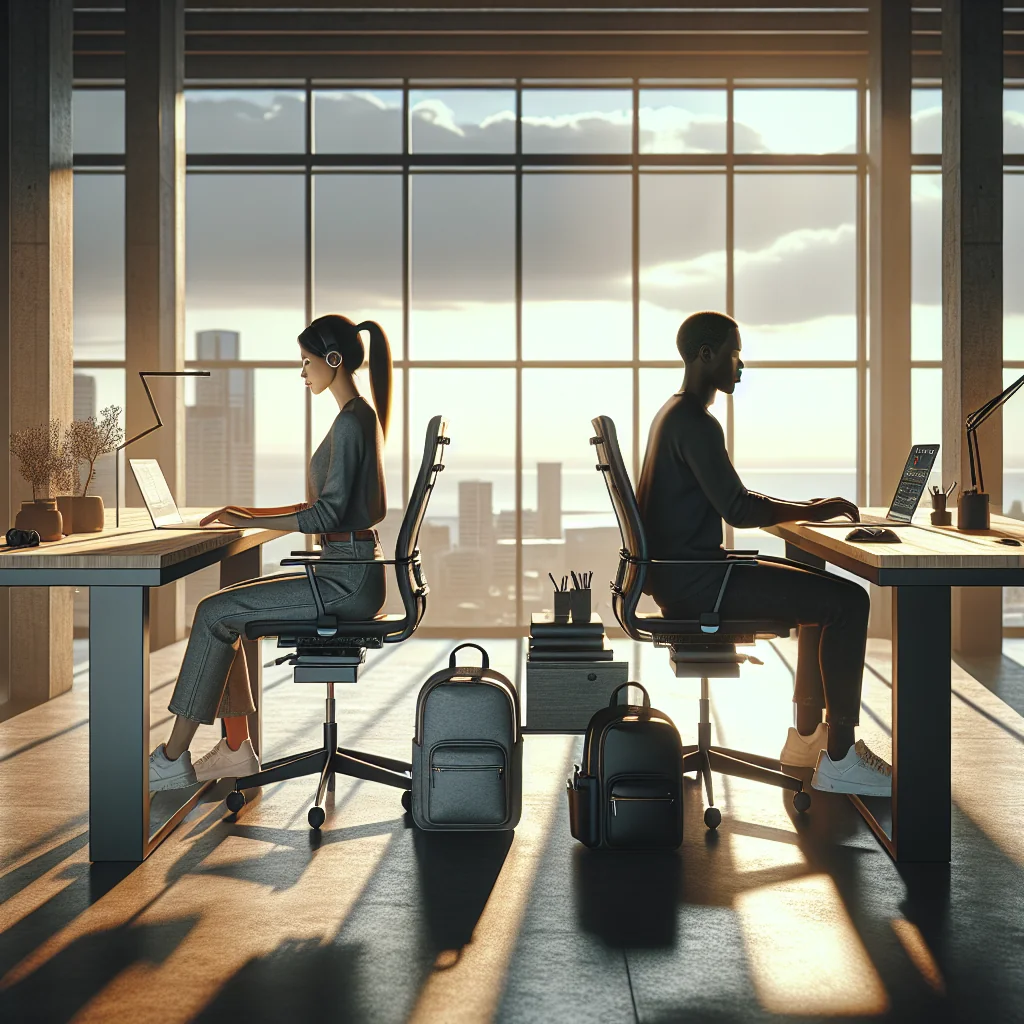
Your chair is the most important item in a work-from-home desk setup. For long sessions, comfort and support matter more than looks, but a minimalist chair can deliver both if you choose carefully.
Key Features of a Minimalist Ergonomic Chair
Look for a chair with adjustable seat height, lumbar support, and armrests. A slim, mesh-back design often fits minimalist home office decor while staying breathable for long days in warm or small rooms.
- Seat height that lets your feet rest flat on the floor
- Backrest that supports the natural curve of your spine
- Adjustable armrests so shoulders stay relaxed
- Simple, neutral color that fits a clean visual style
- Compact frame that does not crowd a small space
Even with the best chair for sitting all day, shift positions often. Set reminders to stand, stretch, or walk every hour to avoid stiffness and keep your energy stable through long work blocks.
Ergonomic Desk Setup: Sitting, Standing, and Screen Height
An ergonomic desk setup helps your body stay in a neutral, low-stress position. For digital nomads, aim for a simple layout that you can recreate in co-working spaces, rentals, or hotel rooms with a basic table.
Balancing Comfort and Minimalist Home Office Decor
Your keyboard should be at elbow height, and your monitor at eye level. A laptop stand and external keyboard make this much easier, especially if you move often. Choose slim, neutral pieces so your ergonomic gear blends into a minimalist home office decor style instead of adding clutter.
Standing Desk vs Sitting Desk: What Works Best?
Many remote workers wonder about a standing desk vs sitting desk. The short answer: both are useful when used in rotation. The real benefit comes from changing positions, not from standing all day or sitting without breaks.
Mixing Positions Without Complicating Your Setup
A full electric standing desk gives the most flexibility, but a minimalist setup can also use a compact fixed desk plus a portable standing desk converter. That way you keep a clean look and can adjust height when needed without large, heavy furniture that is hard to move.
Try blocks of 25–45 minutes sitting, then 10–20 minutes standing. Let your energy level guide you, and avoid locking your knees while you stand so your legs and lower back stay comfortable.
How to Fix Posture at the Desk
Good posture reduces strain and helps you stay focused. You do not need complex routines to fix posture at your desk, just a few habits and correct alignment that you repeat through the day.
Simple Posture Habits for Remote Workers
Keep your ears over your shoulders, shoulders relaxed, and elbows close to your body. Your screen should be directly in front of you, not off to one side, so your neck stays neutral and your eyes move less.
- Adjust chair height so thighs are parallel to the floor.
- Place feet flat; use a footrest or box if needed.
- Raise the monitor so the top edge is at or slightly below eye level.
- Keep keyboard close so elbows stay at about 90 degrees.
- Pull shoulders back gently and relax your jaw and neck.
- Set a timer to check posture every hour and reset your position.
Consistent small corrections work better than one big fix. Over time, neutral posture will feel natural, and your back and neck will feel less tired at the end of the day.
Minimalist Desk Setup and Cable Management Ideas
A minimalist desk setup reduces visual noise and distractions. The fewer items on your desk, the easier it is to focus on deep work instead of small objects and messy cables.
Keeping Surfaces Clear and Cables Under Control
Keep only your laptop, monitors, keyboard, mouse, and maybe one or two personal items within reach. Cable management ideas for your desk are key for keeping the space tidy. Use simple tools like clips, sleeves, and under-desk trays to route cables in straight lines and hide them from view.
Label both ends of your main cables. This small step makes it much easier to unplug and pack gear when you move to a new location, and it keeps your minimalist home office decor from turning into a tangle of wires.
Dual Monitor Desk Setup and the Best Monitor for Remote Work
A dual monitor desk setup can boost productivity if used well. One screen can hold your main work, while the second holds reference material, communication apps, or timelines so you switch less between windows.
Placing Monitors in a Minimalist Layout
Place the primary monitor directly in front of you and the second monitor to the side at a slight angle. If both are used equally, center the gap between them with your chair so you turn less. The best monitor for remote work balances size, resolution, and footprint while keeping a clean design with thin bezels.
For a minimalist home office, choose monitors with simple stands and neutral colors. Height adjustment helps keep your neck in a neutral position without adding extra desk accessories that clutter the surface.
How to Set Up Two Monitors With a Laptop
To set up two monitors, check the ports on your laptop and screens. Many digital nomads use a single USB-C hub or dock to connect everything through one cable, which keeps the desk clean.
Creating a Dual Monitor Setup That Travels Well
Once connected, arrange the displays in your system settings to match their physical layout. Align the tops of the screens so your eyes move horizontally, not up and down, when you look between them. If you travel often, consider slim monitors or a portable second screen that can fold flat in your bag.
This approach lets you keep a dual monitor desk setup at each stop without breaking your minimalist home office decor rules or overloading your backpack with heavy gear.
Best Laptop Stand, Keyboard, and Mouse for Typing All Day
A laptop stand turns your portable device into a more ergonomic workstation. The best laptop stand for a desk is stable, adjustable, and compact enough to pack if you travel frequently.
Choosing Compact Input Devices for a Clean Desk
Pair the stand with an external keyboard and mouse. The best keyboard for typing all day has a comfortable key feel, clear layout, and low noise. Many digital nomads prefer a compact layout to save desk space and bag space while keeping a neat, minimalist home office decor look.
Keep your keyboard and mouse at the same level and close to your body. This reduces shoulder strain and helps maintain good posture during long sessions, even when you are working from a small rental table.
Best Lighting and Webcam Setup for Video Calls
Good lighting makes a big difference on video calls. The best lighting for video calls is soft, even, and in front of your face, not behind you. Natural light from a window works well if you sit facing it.
Lighting That Flatters You and Your Minimalist Space
If natural light is not stable, use a small LED panel or ring light placed just above your webcam. Aim for neutral white light to keep skin tones realistic and the background calm. This supports a minimalist home office decor style because the light source stays small and simple.
The best webcam for Zoom meetings does not need to be complex. Look for a camera with clear 1080p video, decent low-light performance, and a simple clip that sits cleanly on your monitor without extra bulk or bright colors.
How to Build a Quiet Home Office and Add Soundproofing
A quiet home office is essential for deep work and clear calls. Full construction-level soundproofing is often not possible, but you can still reduce noise with smart decor choices that match a minimalist style.
Soft Materials That Support Minimalist Home Office Decor
Soft materials absorb sound. Use a rug, curtains, and a few fabric items to cut echo. Bookshelves with books also help break up sound reflections while staying in line with minimalist home office decor if arranged neatly and kept to simple color groups.
For more control, add a door draft stopper, weatherstripping, or small acoustic panels in key spots. A white noise machine or app can also mask background sounds without cluttering your space or drawing attention on camera.
Essential Work From Home Gear for Digital Nomads
A minimalist setup does not mean bare. It means choosing essential work from home gear that supports real tasks without extra clutter or rarely used gadgets. For digital nomads, gear should also be light and reliable.
Separating Essentials From Nice-to-Haves
Focus first on your core devices: laptop, monitors, keyboard, mouse, and audio. Then add ergonomic and comfort items like a laptop stand, external webcam, and a good chair or portable seat cushion that you can move between rooms or rentals.
Keep a small pouch for adapters, cables, and a backup drive. This keeps your desk clean and makes travel much easier, since every piece of gear has a clear place and purpose.
Digital Nomad Packing List for a Portable Minimalist Office
A focused digital nomad packing list helps you rebuild your home office setup anywhere. Try to mirror your main desk layout with travel versions of the same tools so your workflow stays stable.
Core Items for a Portable Minimalist Home Office
Include your laptop, power adapter, compact mouse, foldable laptop stand, and a small external keyboard. Add a lightweight headset with a microphone for calls, plus a short cable kit with USB-C, HDMI, and any needed adapters for your monitors or projectors.
Pack gear in organizing pouches so each category has a place. This keeps your backpack tidy, speeds up airport checks, and helps you set up and tear down your mobile office quickly without spreading items across a room.
Example comparison of home versus travel minimalist setups:
| Setup Type | Key Gear | Minimalist Focus |
|---|---|---|
| Home Base Office | Full chair, fixed desk, dual monitors, laptop stand, full-size keyboard and mouse | Comfort, stable layout, clean cable routing and hidden storage |
| Travel Office | Laptop, foldable stand, compact keyboard, travel mouse, portable second screen | Lightweight gear, fast setup, simple shapes and neutral colors |
Using a simple table like this when you plan your gear helps you decide what stays at home and what goes in your bag, keeping both setups minimalist and consistent.
How to Work From Home Productively in a Minimalist Space
A minimalist home office decor style supports productivity by reducing friction. With fewer distractions in your field of view, your mind can focus on the task instead of the clutter around your screen.
Daily Habits That Keep Your Minimalist Office on Track
Build simple routines around your space: start the day by clearing the desk, and end the day by shutting your laptop and coiling cables. Use one notebook or digital system for tasks so your tools stay consistent and your desk stays clear.
Combine ergonomic gear, a clean visual layout, and a quiet environment. This mix helps you work from home productively, whether you stay in one place or move often as a digital nomad, and keeps your minimalist home office decor looking calm on every video call.