This ultimate home office setup guide is written for digital nomads and remote workers who split time between home bases, co-living spaces, and the road. The focus is simple: build a workspace that keeps you pain-free, productive, and ready to move when needed.
Instead of chasing flashy gear, this guide walks through practical choices: the best chair for sitting all day, ergonomic desk setup, dual monitors, sound control, lighting for video calls, and a smart digital nomad packing list. Use it as a blueprint for both your main home office and your portable “office in a backpack.”
Start With Your Body: Chair, Posture, and Desk Height
Your body is the most important “device” in your home office. If the chair, posture, and desk height are wrong, no gadget can fix the strain. Begin here before buying monitors or webcams so your base is solid.
Choosing the best chair for sitting all day
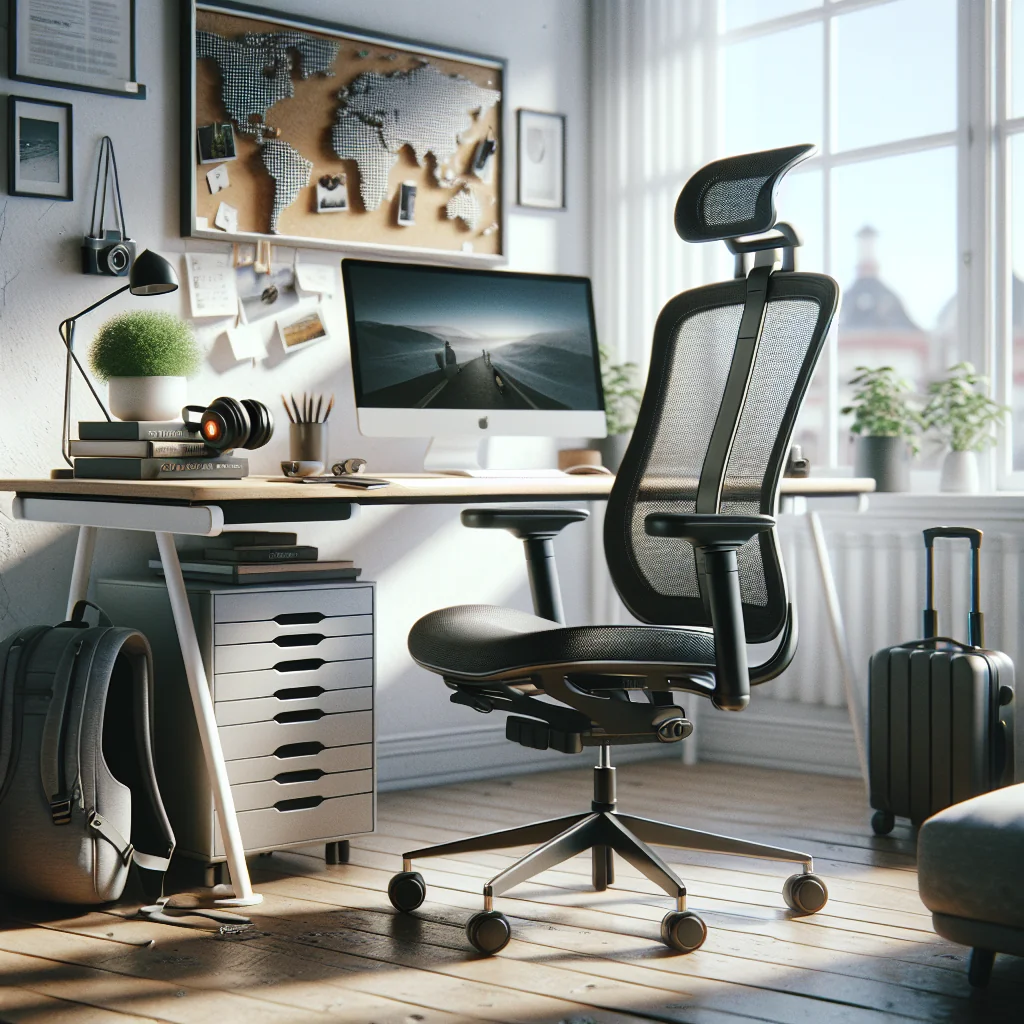
For long remote work days, a good chair matters more than a fancy laptop. Look for a model with adjustable seat height, lumbar support, and armrests that move up and down. A mesh back helps with airflow if you work in warm places.
If you move often or work from rentals, consider a foldable ergonomic chair or a compact task chair you can assemble quickly. For short stays where you cannot replace the chair, use a portable lumbar cushion and a seat cushion to upgrade whatever you find.
How to fix posture at your desk
Posture is a habit, not a single product. Set up your workspace so good posture is the easiest option. Sit with feet flat on the floor, hips slightly higher than knees, and your back supported by the chair.
Keep elbows close to your sides at about 90 degrees, with forearms level. The top of your main screen should be at or slightly below eye level, so you are not bending your neck. Set a 30–45 minute timer to stand, stretch, or walk for a few minutes; this simple break helps more than any gadget.
Ergonomic Desk Setup: Sitting, Standing, and Hybrid Options
An ergonomic desk setup supports your posture instead of fighting it. As a digital nomad, you also need flexibility: sometimes you have a full desk, sometimes only a kitchen table or a small corner in a shared flat.
Standing desk vs sitting desk for remote work
A standing desk is not a cure-all, but switching positions reduces stiffness and fatigue. If you have a stable home base, a full standing desk or a sit-stand frame with your own tabletop works well. If you move often, a portable standing desk converter that sits on top of any table is more realistic.
Use a hybrid approach: sit for focused work, stand for calls or lighter tasks. When standing, use an anti-fatigue mat and keep screen and keyboard heights consistent with your seated posture. Avoid leaning on one hip or locking your knees, which can cause new aches.
Best laptop stand for a healthy desk height
For digital nomads, a laptop stand is essential. The stand should raise the top of your screen to eye level while you use an external keyboard and mouse. Choose a stand that folds flat into your backpack, with solid metal construction so it does not wobble.
At home, a more stable riser or monitor arm can hold both a laptop and an external monitor. The goal stays the same in every location: screen at eye level, shoulders relaxed, and wrists in a neutral, straight line.
Comparing Core Home Office Gear for Digital Nomads
Before you buy new equipment, compare what matters most for a mobile home office: portability, comfort, and how fast you can set up. This quick comparison helps you decide where to spend and where to save.
Overview of key home office gear types and their strengths for digital nomads:
| Gear Type | Best For | Portability | Main Advantage |
|---|---|---|---|
| Foldable ergonomic chair | Long stays in rentals | Medium | Consistent support in any apartment |
| Portable standing desk converter | Frequent moves | High | Turns any table into a sit-stand desk |
| Compact laptop stand | Daily travel or cafes | Very high | Healthy screen height in a small bag |
| Portable external monitor | Design, coding, writing | High | Dual-screen workflow anywhere |
| Noise-cancelling headphones | Noisy flats or shared spaces | Very high | Blocks distractions for calls and deep work |
Use this as a quick filter before each purchase. Ask which item will most improve daily comfort or focus, and whether the size and weight still make sense for your travel style.
Building the Best Home Office Setup for Focus and Comfort
The best home office setup blends ergonomics, comfort, and flexibility. For digital nomads, that means a base setup at “home” plus a travel-ready kit you can recreate anywhere without much thought.
Minimalist desk setup vs gear-heavy setups
A minimalist desk setup helps you focus and pack faster. Keep only what you use daily on the desk: laptop, keyboard, mouse, one or two monitors, and maybe a notebook. Store everything else in a drawer or a small gear box.
Use a small desk shelf or monitor riser to create vertical space. This keeps your work area clear while still holding a few essentials like a pen cup, external drive, or audio interface. The less clutter you see, the easier it is to start work and stay focused.
Work from home desk setup ideas for small spaces
Many digital nomads work from studios or shared apartments, so the desk often lives in the bedroom or living room. Use a compact desk against a wall and add a simple backdrop for video calls, such as a plain curtain or folding screen.
Consider a wall-mounted fold-down desk or a slim table that doubles as a dining surface. Store your keyboard, mouse, and laptop stand in a small crate or backpack when off-duty to mentally “close the office” at the end of the day.
Cable Management Ideas for a Clean, Portable Desk
Cable chaos wastes time every time you pack or unpack. A few simple cable management ideas make your desk cleaner and your travel setup faster to rebuild, even in a new apartment each month.
- Use Velcro ties to bundle each cable and label both ends.
- Route cables along the back edge of the desk with adhesive clips.
- Place a small under-desk tray or box to hold power strips and adapters.
- Keep a separate pouch for chargers and cables that always stays in your backpack.
- Choose wireless keyboard and mouse to cut two cables instantly.
Once you have a simple system, rebuilding your workspace in a new place takes minutes instead of an hour of untangling. This also reduces the risk of leaving a key charger behind when you check out.
Quiet Home Office: Sound Control and Noise Solutions
For digital nomads, noise is one of the biggest wild cards. Neighbors, traffic, or shared housing can ruin calls and deep work. You may not control the building, but you can build a quiet home office “bubble.”
How to build a quiet home office in any rental
Start by choosing the quietest room or corner, away from windows that face busy streets. Add soft materials: a rug, curtains, and an upholstered chair help absorb sound. A bookcase filled with books or storage boxes also works as a sound barrier.
Use door draft stoppers and weatherstripping tape around doors and windows to reduce gaps. Even small changes cut echo and outside noise enough for better calls and focus, without needing permanent changes to the space.
Home office sound control on a budget
Full soundproofing is hard in rentals, but you can reduce noise with removable options. Foam panels or acoustic tiles on the wall behind your desk help with echo. Thick blackout curtains over windows block some traffic noise.
For very noisy environments, combine passive steps with active noise-cancelling headphones and a microphone that rejects background noise. A simple white noise machine or app can mask sudden sounds during focused work or important calls.
Dual Monitor Desk Setup: Screens That Work Anywhere
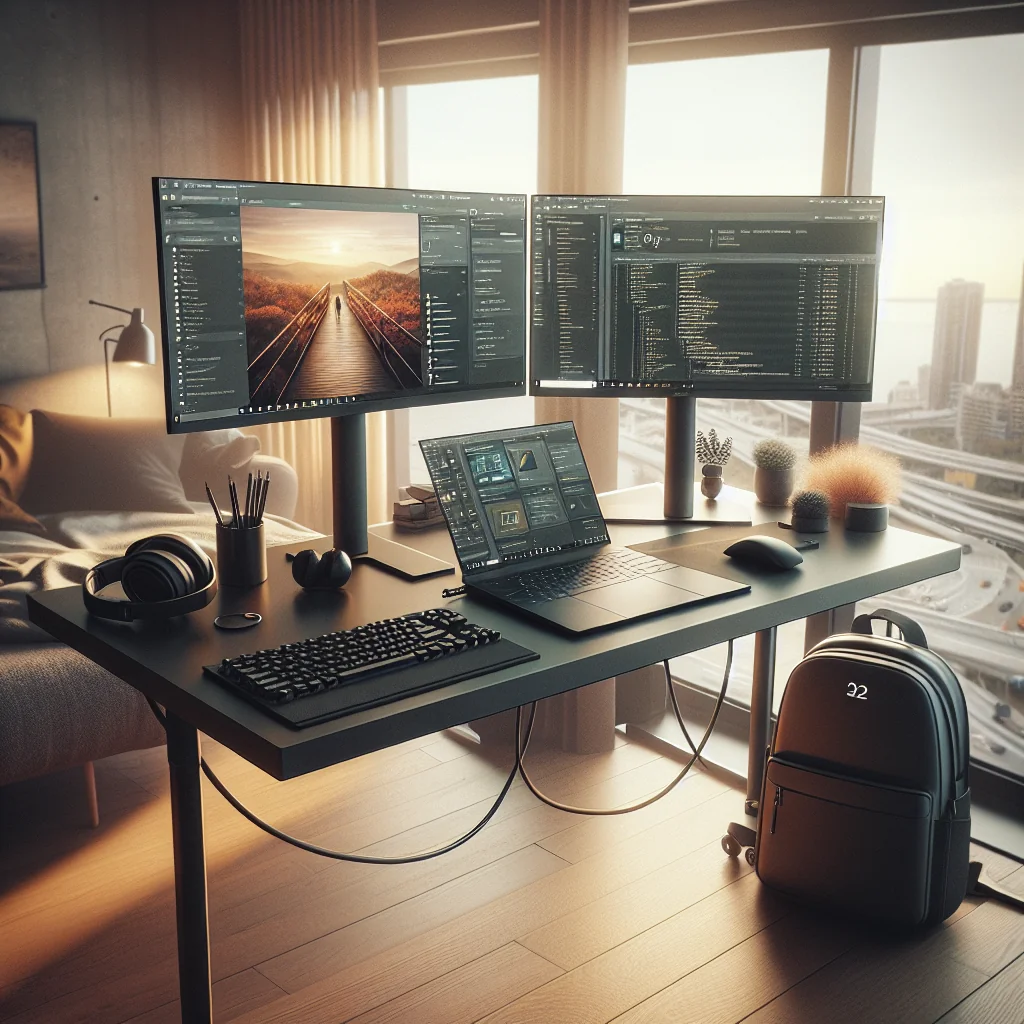
A dual monitor desk setup boosts productivity for coding, writing, or design work. As a digital nomad, you want the benefits of two screens without locking yourself into a bulky, hard-to-move system.
How to set up two monitors for remote work
Use your laptop as one screen and add a lightweight external monitor as the second. Place the main monitor directly in front of you and the laptop slightly to the side at the same height. This reduces neck twisting during long sessions.
Connect using a single USB-C hub if possible. Route both power and video through that hub so you can unplug one cable when you leave. Adjust display settings so the cursor moves smoothly between screens and text is the same size on both.
Choosing the best monitor for remote work
The best monitor for remote work balances size, clarity, and portability. A 24–27 inch monitor works well at a home base. For travel, consider a 13–16 inch portable monitor that folds flat and fits in a laptop sleeve.
Look for an adjustable stand or VESA mount support, so you can raise the screen to eye level. Matte screens reduce glare in bright apartments or co-working spaces and help you see details without straining your eyes.
Lighting, Webcam, and Audio for Professional Calls
Remote work often means frequent video calls. Clear lighting and a good webcam help you look professional even from a small apartment or short-term rental, and better audio keeps meetings smooth.
Best lighting for video calls in small spaces
The best lighting for video calls is soft, even light from in front of you. Sit facing a window when possible, with curtains to diffuse harsh sunlight. Avoid having a bright window behind you, which turns you into a silhouette.
If natural light is unreliable, use a small LED panel or ring light behind your monitor. Aim for a neutral color temperature so your skin tone looks natural. Position the light slightly above eye level to avoid harsh shadows under your eyes and chin.
Best webcam for Zoom meetings and remote work
Most laptop webcams are serviceable, but an external webcam gives sharper video and better control. Choose a 1080p model with good low-light performance and a simple clip that fits on any monitor or laptop.
Frame the shot from mid-chest up, with some space above your head. Keep the background simple and tidy. Test your setup in your main call apps so you can adjust brightness and angle once, then reuse the same settings each time.
Keyboard and mouse for typing all day
The best keyboard for typing all day should feel comfortable, not flashy. Look for a full-size or compact layout with clear key spacing and a gentle typing force. Some people prefer low-profile laptop-style keys; others like mechanical switches.
As a digital nomad, consider a wireless keyboard that connects to multiple devices and fits in your backpack. Pair it with an ergonomic mouse that supports your hand in a neutral position to reduce strain during long workdays.
Essential Work From Home Gear and Digital Nomad Packing List
Your home office and travel kit should share the same core gear. The aim is to work from anywhere without feeling “half set up.” Build a small, consistent set of tools you trust and keep them ready.
Essential work from home gear for digital nomads
Focus on a few quality items that directly affect comfort and output. These are the backbone of your setup at home and on the road, so you can plug into a familiar workflow in any city.
Here is a compact digital nomad packing list for your office-in-a-bag:
- Laptop with enough power for your main work tasks.
- Foldable laptop stand to raise the screen to eye level.
- Wireless keyboard and ergonomic mouse.
- Portable external monitor or tablet used as a second screen.
- Noise-cancelling headphones with built-in microphone.
- Compact external webcam, if your laptop camera is weak.
- Small LED light for video calls in dark rooms.
- Universal USB-C hub and small power strip.
- Set of labeled cables, chargers, and adapters in a dedicated pouch.
- Portable lumbar cushion for upgrading chairs in rentals.
Keep this kit packed and ready. At home, you can plug into a larger monitor, standing desk, or better chair. On the road, the same gear turns almost any table into a familiar, productive workspace within minutes.
Daily Habits to Make Your Home Office Setup Work Harder
A strong setup helps, but productivity also depends on routines and boundaries. Your environment should make good habits easy and distractions harder, wherever you are based this month.
Set clear work hours, even if you change time zones often. Begin the day with a short “startup” ritual: open your task list, check your calendar, and choose the top three priorities. End with a “shutdown” ritual: close work apps, tidy the desk, and pack any gear you need for tomorrow.
Use your minimalist desk setup, cable management, and sound control tricks to build a clear mental line between work and rest. When you can rebuild a comfortable, quiet workspace anywhere, you spend less energy adapting and more on the work that matters most.